Full Description
View Full Description
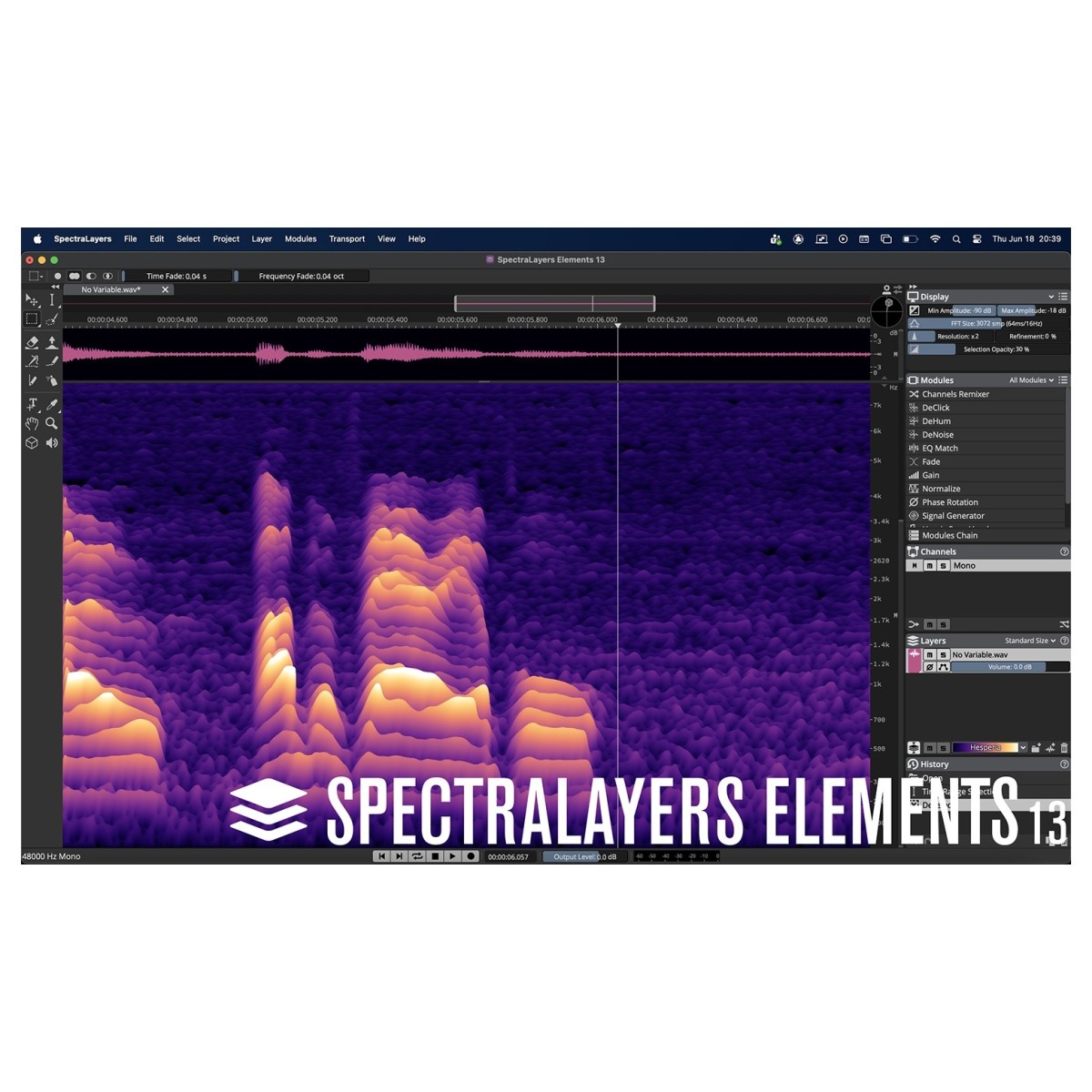
See and shape your audio
SpectraLayers Elements 13 presents sound on a spectral display, giving you a visual way to identify and edit specific audio content. Its selection tools range from broader edits to detailed intervention, so you can target problem areas rather than processing an entire recording unnecessarily. Selected material can also be extracted to independent layers for further processing. For beginners exploring spectral editing, this visual, layers-based approach provides an accessible route into detailed audio correction and creative processing, while AI assistance helps reduce the amount of manual work involved.
Clean recordings with AI assistance
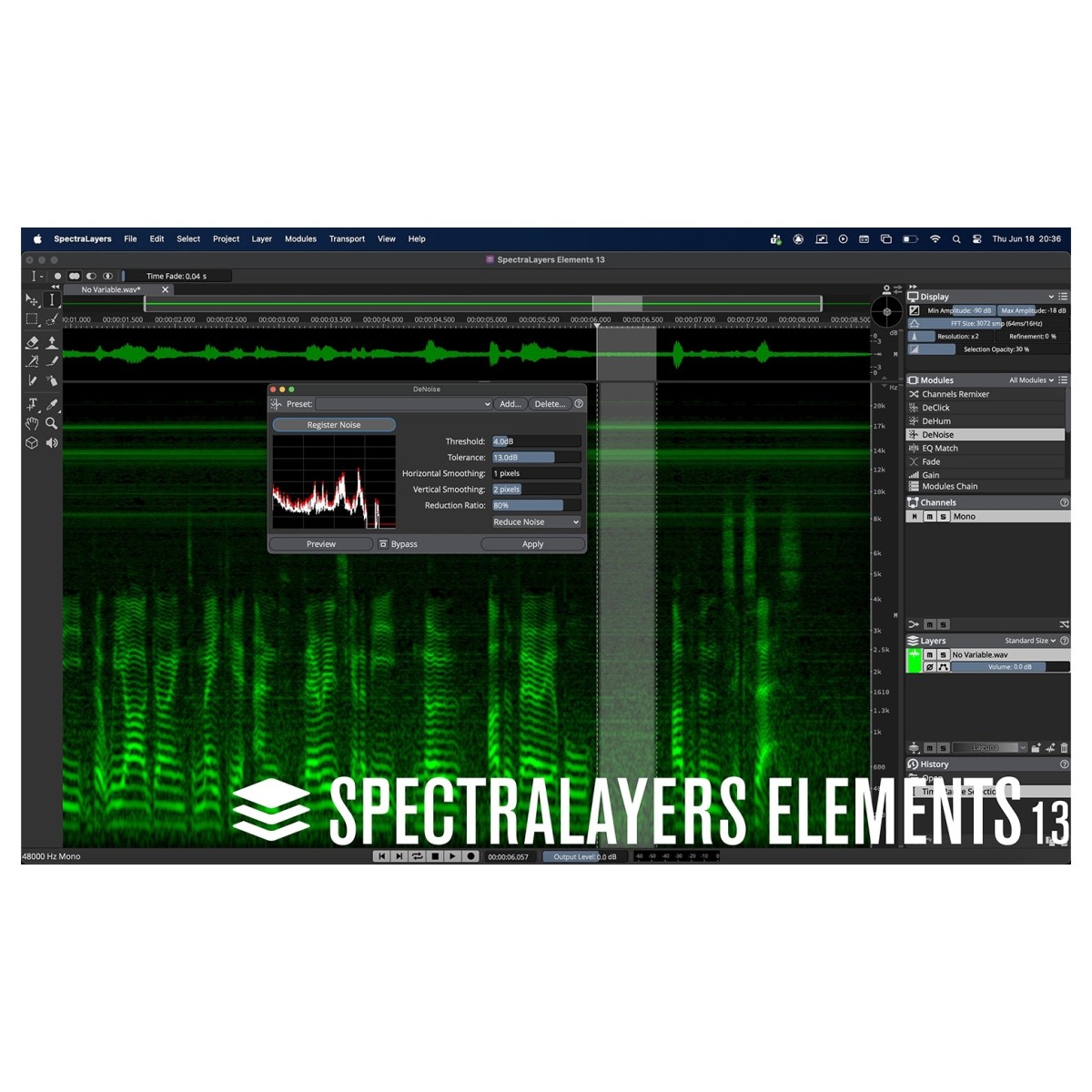
Noise, hum, unwanted sounds, and other recording problems can be addressed using a combination of manual and automatic processing. Elements includes selected AI-assisted functions, including vocal unmixing, alongside automatic noise and hum reduction. Improved DeNoise develops the existing noiseprint-based process with additional controls for precision and variable spectral smoothness, helping you tailor reduction more closely to the source material. Attenuate offers another useful repair option, reducing relatively high-amplitude content within a selection according to the spectral power around it for more natural blending with neighbouring audio.
Make detailed edits more efficiently
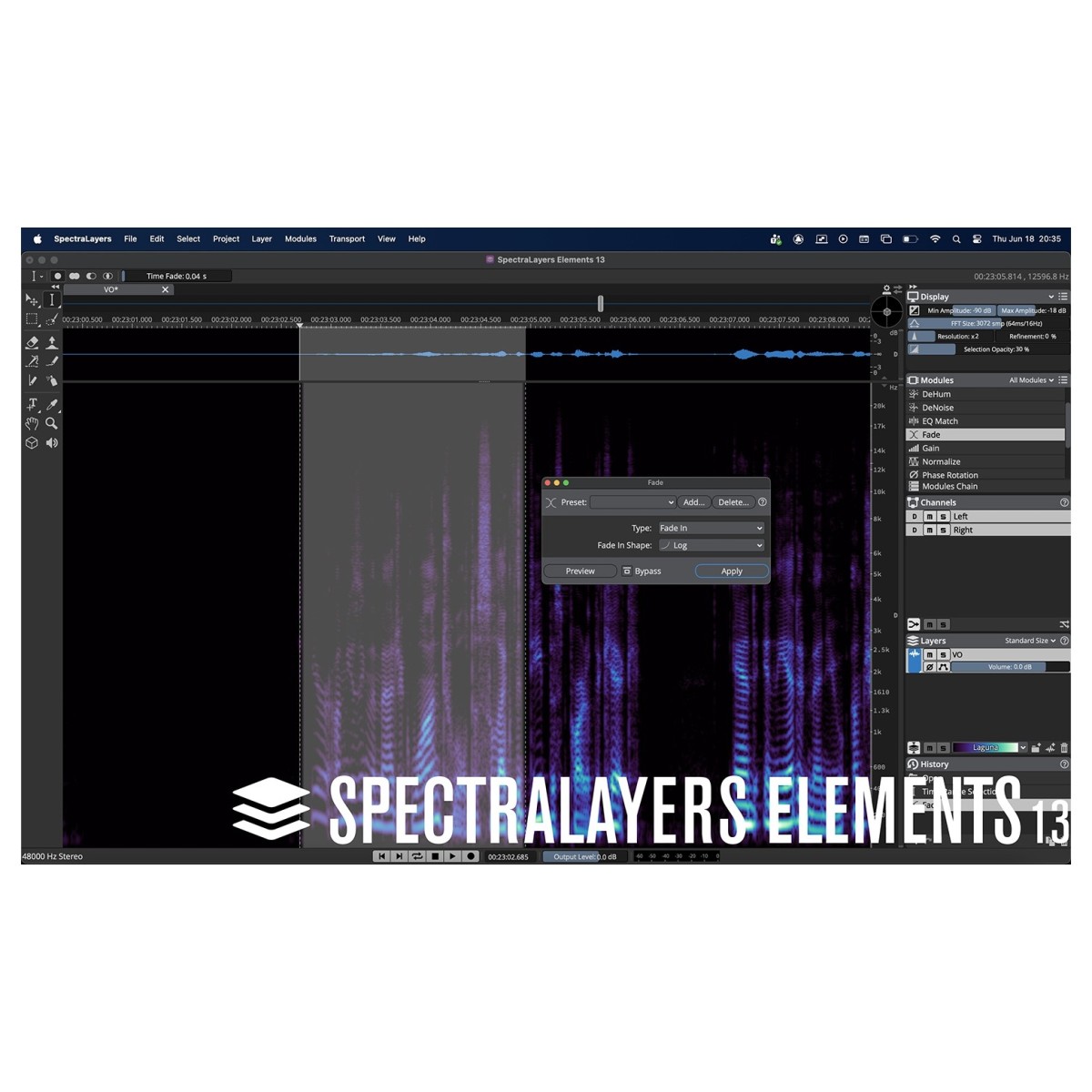
Several workflow improvements make spectral selections easier to manipulate. A corner-based resize handle lets you adjust time and frequency coordinates together, helping you position selections more quickly. Dynamic Time Fade and Frequency Fade controls can be applied directly to active selections, while the Fade module provides fade-ins, fade-outs, automatic fade selection, and crossfading between two layers. Need to replace or repeat an event? Paste Into Selection lets a destination selection act as a window onto copied material, while Paste Insert automatically creates the required amount of time at the chosen location.
Spectral editing into your DAW
ARA 2 support connects SpectraLayers with compatible audio production software for a more integrated editing workflow. In Cubase and Nuendo, SpectraLayers can be accessed directly within the waveform display, letting you combine conventional timeline editing with spectral processing. You can make detailed selections, extract audio to separate layers, process the material, and preserve edits on the DAW timeline. This non-destructive approach makes Elements particularly useful when you need focused spectral correction without moving into the more extensive processing environment offered by SpectraLayers Pro.
Reviews
"SpectraLayers is one of my most important tools for repairing and improving audio. Its layered approached combined with powerful algorithms unlocks a level of flexibility and editing precision never seen or heard before." - Dustin Harris (M.P.S.E)
"SpectraLayers has been essential as a precise instrument in sculpting some complex but organic fantasy sounds. It can generate unique aural impressions by reconstructing sounds through very hard edged bands into a mosaic. Being able to hear individual layers or combinations and easily export all the components as well as a composite is a great workflow. I've been having a lot of fun with the program." - Dane A. Davis (President, Danetracks Inc. – BAFTA, MPSE and Oscar awards for "The Matrix")
"Using SpectraLayers, everything was made to sound fantastic on two different album projects I was involved with." - Steve Morse (Guitarist – Kansas, Deep Purple, Living Loud, Angelfire)
Features
- Layer-based, non-destructive spectral editing tools and processes
- Unmix Vocals process
- Signal Generator
- Hum Reduction process
- Click Repair process
- Noise Reduction process
- Eraser tool
- Frequency Repair tool
- Volume Envelopes
- External Editors support
- ARA plug-in support
- AAX plug-in support
Specifications
- Operating system:
- Mac: macOS Big Sur, macOS Monterey, macOS Ventura, macOS Sonoma, macOS Sequoia, macOS Tahoe
- Windows: Windows 10 Version 21H2, Windows 11 Version 21H2 (or higher)
- CPU:
- Mac: Intel Core i5 (mid 2013 or later) or Apple silicon
- Windows: Intel Core i5 (4th Generation) or AMD Ryzen or Qualcomm Snapdragon X
- Format:
- Mac: VST-3, AAX
- Windows: VST-3, AAX
- RAM: 8GB
- Disk Space: 8GB
- Product code: 1527-208